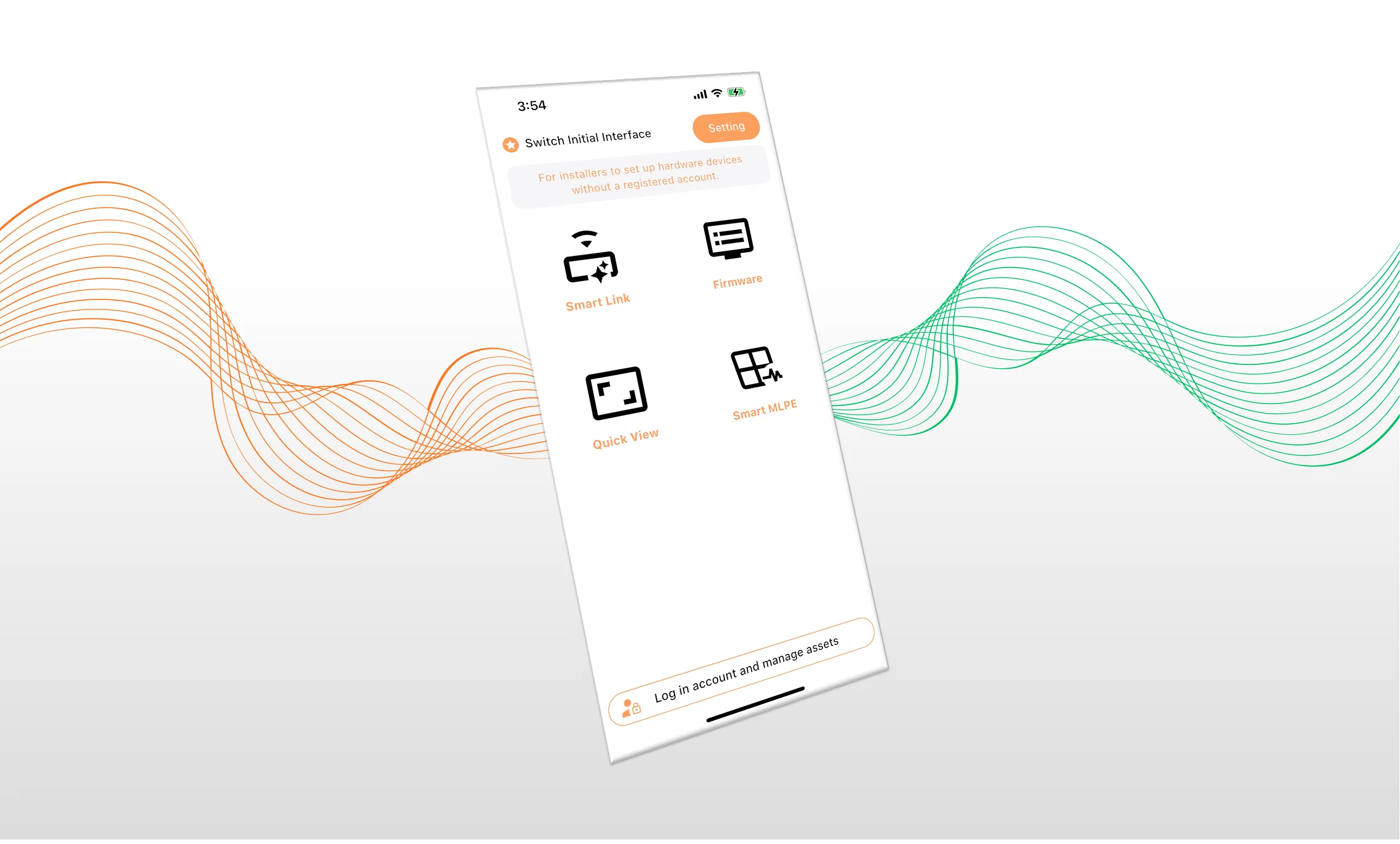
The Synora On App is Gietron Synora’s mobile application designed for solar professionals and system owners. Support you to do on-site commissioning, diagnostics, and system monitoring, available on iOS and Android (The App will be available on the Apple Store and Google Play soon).
On-site commissioning and rapid diagnostics
The Synora On App handles on-site commissioning and rapid diagnostics. When connected to the same LAN subnet as the Synora gateways, it auto-discovers all devices on the network.
- Commission the gateway on site, no laptop required
- Auto-discover all gateways and inverters on the local network
- Initialize inverters and configure Modbus IDs and communication parameters
- Run communication health checks across the daisy chain
- Diagnose RS485 cabling issues: dual-master conflicts, A/B polarity reversal
- Verify wiring and hardware status while the inverter is powered on
- Manage multiple devices and sites from a single account
- Role-based access: the app identifies user permissions based on account login, ensuring the right access for installers, O&M providers, administrators, and system owners
- Smart Link over Bluetooth: connect straight to any gateway over BLE — no internet, no account, no laptop — for true on-site commissioning in any network condition.
- Universal daisy-chain support: auto-discover and configure devices across Flex Daisy Chain (RS485), Super Daisy Chain (CAN, with FCB adapters), and Super TCP topologies, with dynamic or static Comm-ID assignment.
- Local device setup: configure networking (Wi-Fi, Ethernet, cellular), bus parameters, CT direction, zero-export, and MLPE options without ever leaving the gateway screen.
- Quick View: scan a gateway QR code to pull up site and device details instantly — no login needed for fast field checks.
- Direct hardware control: power inverters on or off, read and write Modbus registers, and upgrade firmware right from the phone.
Analytics, alerts, and automation
Once a site is live, the same app becomes a monitoring and operations cockpit. The home screen summarizes portfolio-wide production, revenue, and device health, while each site opens into a full 4Qflow analysis view.
- Synora-4-flow on mobile: switch between real-time power (kW) and energy (kWh) flow diagrams, with day, month, year, and lifetime generation charts and per-quadrant breakdowns of where every kilowatt-hour goes.
- Unified message center: hardware alarms, rule-engine notifications, and platform notices in one inbox, with per-site alarm cards sorted by recency.
- Event subscription engine: build trigger-action rules with nested AND/OR conditions — across the whole account or a single site — that fire email, push notifications, or automatic device commands.
- MLPE panel heatmap: for module-level sites, a per-panel heatmap in average or peak, day or month view, spots underperforming panels in seconds.
- Sustainability tracking: every site reports CO₂ avoided, coal saved, and equivalent trees planted — ready-made ESG figures for stakeholders.
Firmware management at scale
Keeping a fleet on current firmware is an O&M discipline of its own. The app ships with a centralized firmware library and two upgrade paths tuned for different field scenarios.
- Public firmware library: browse, search, and download released firmware by model and module, with offline copies ready for sites without connectivity.
- On-site upgrade: push firmware to a single Bluetooth-connected device — inverter, meter, or sensor — and watch progress in real time.
- Broadcast (batch) upgrade: select many devices under one gateway by model and module and update them simultaneously, turning a multi-hour site visit into a few minutes.